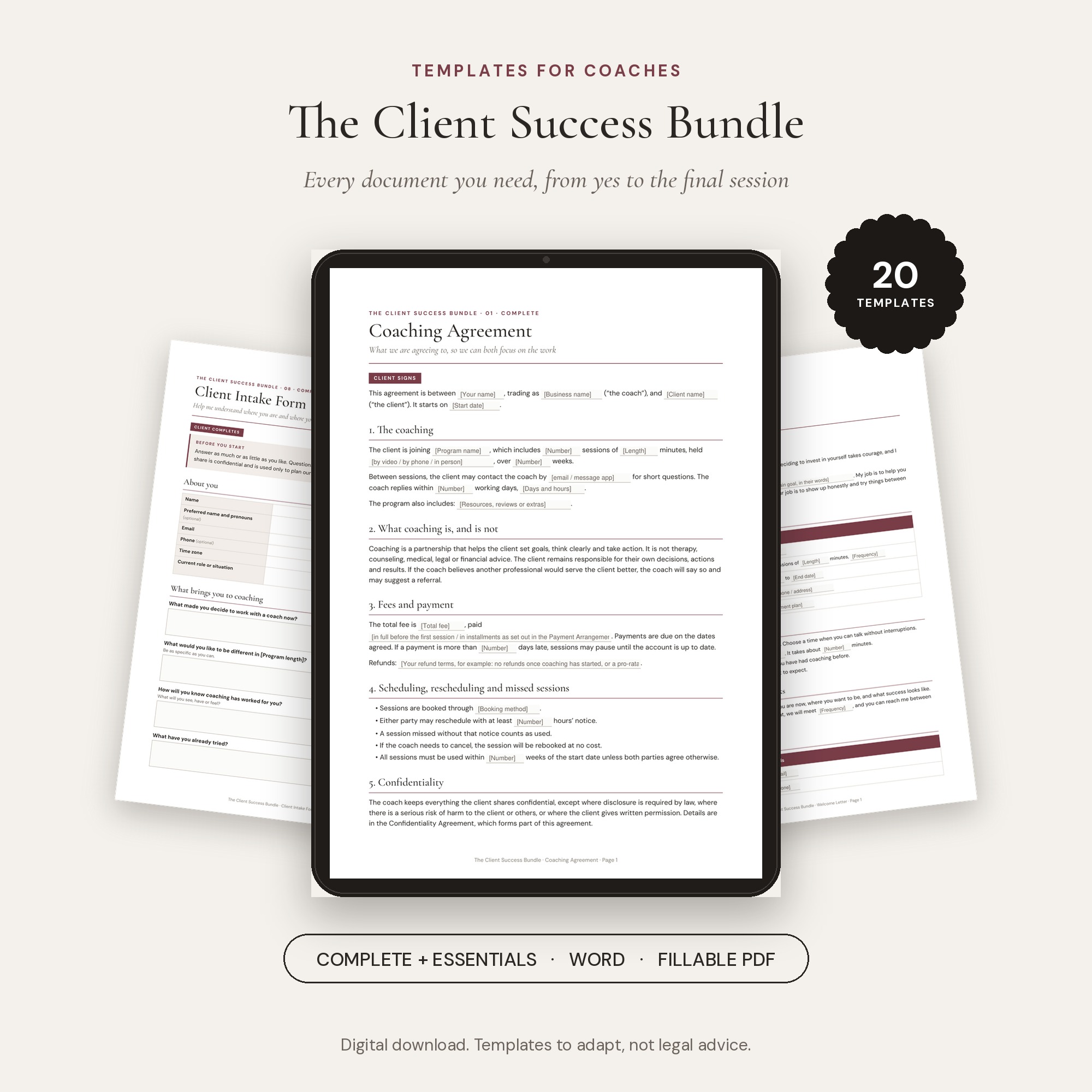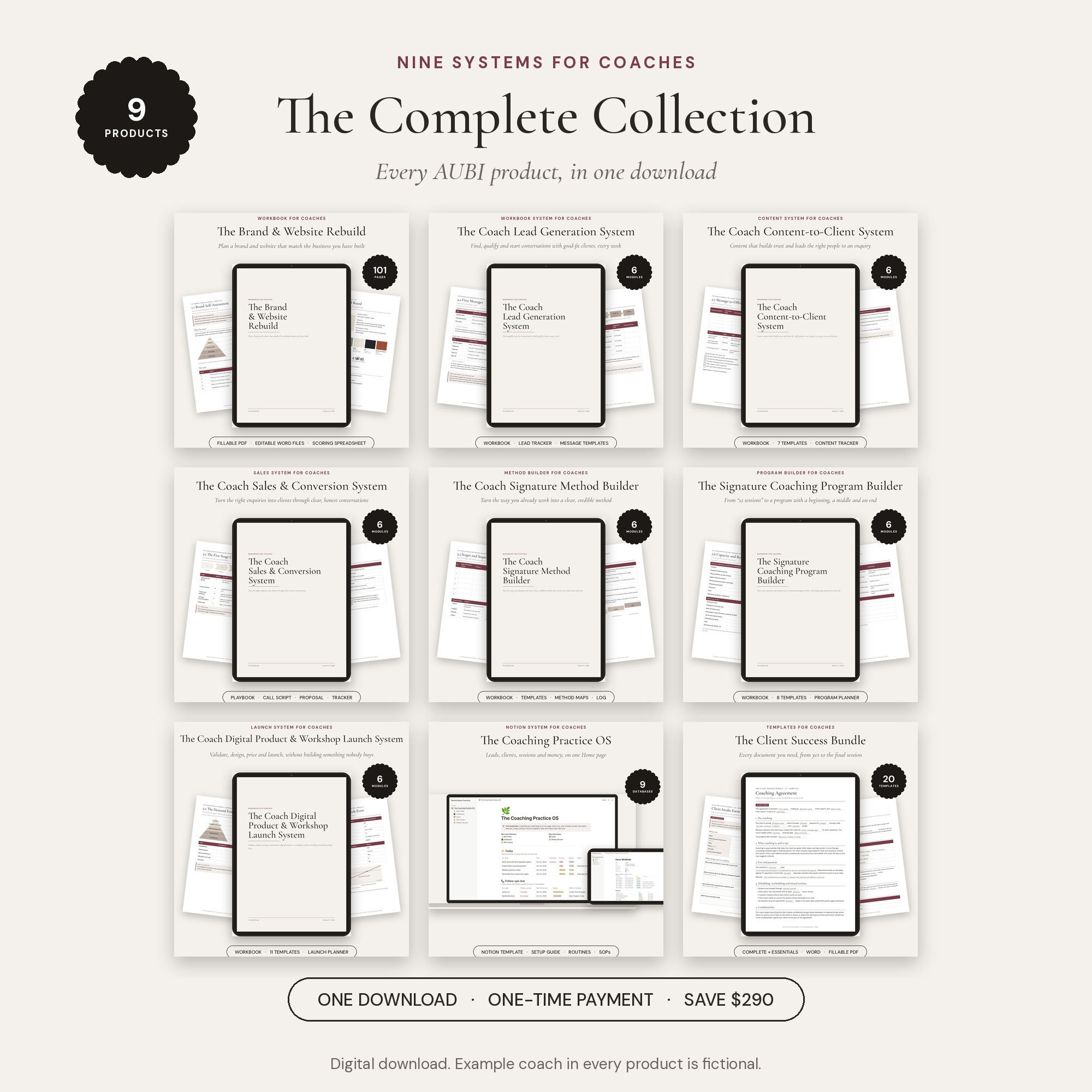

Notion system for coaches · Instant download
Run your whole coaching practice from one page.
Leads, clients, sessions, payments and your week, in one Notion workspace that tells you what needs you today.
Works on Notion’s free plan · Setup Guide, checklists and sample data included
Sound familiar?
Your coaching is organised. Your business is scattered.
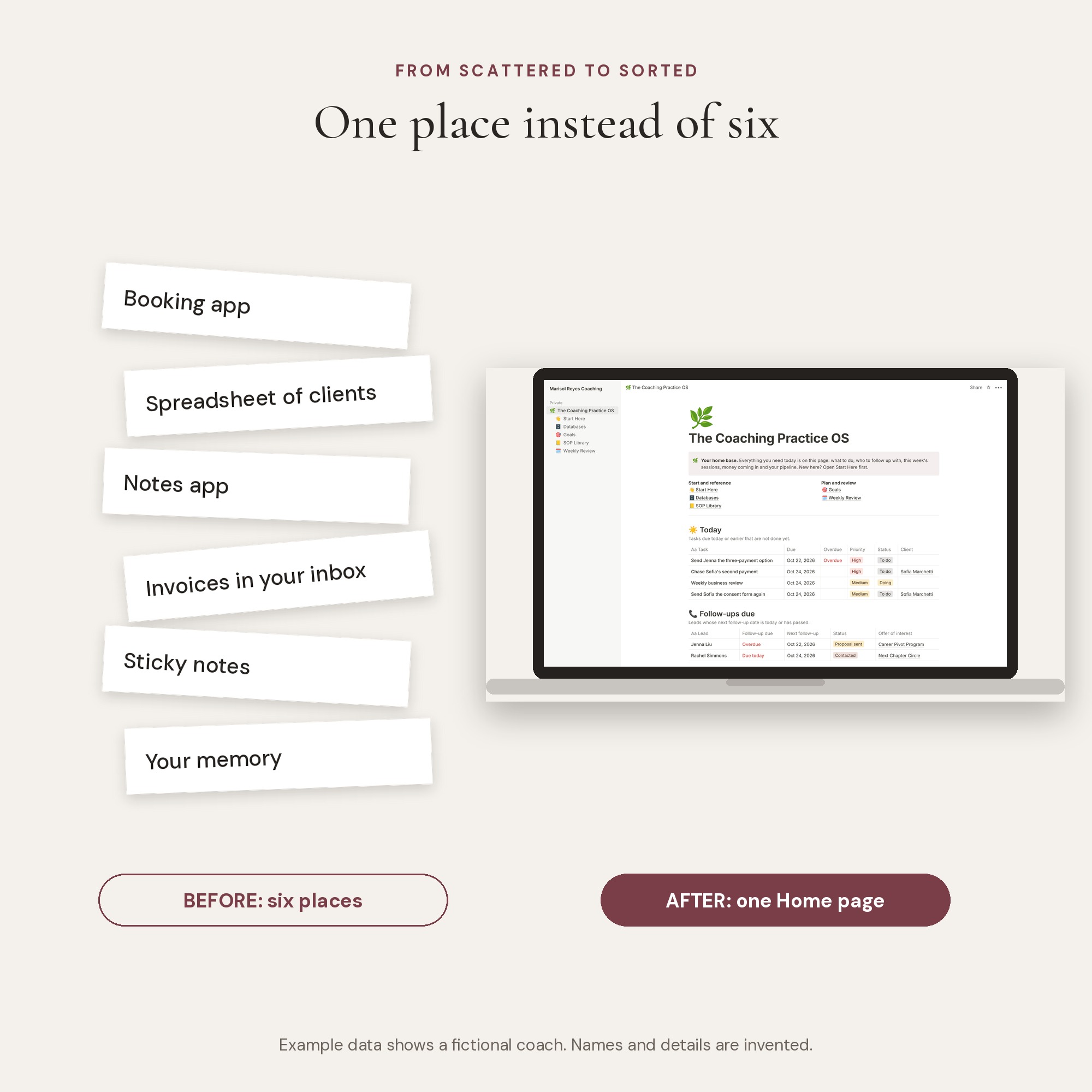
Clients are in a spreadsheet. Sessions are in your booking app. Notes are in another app. Invoices are somewhere in your inbox. And the follow-up you promised a lead last Tuesday is in your head, where it will stay until it is too late.
Nothing is broken. It just takes ten tabs and a good memory to answer simple questions: Who do I need to follow up with? Who still owes me money? How many sessions does Dana have left?
The answer
Everything in one place, and one Home page that shows what matters today.
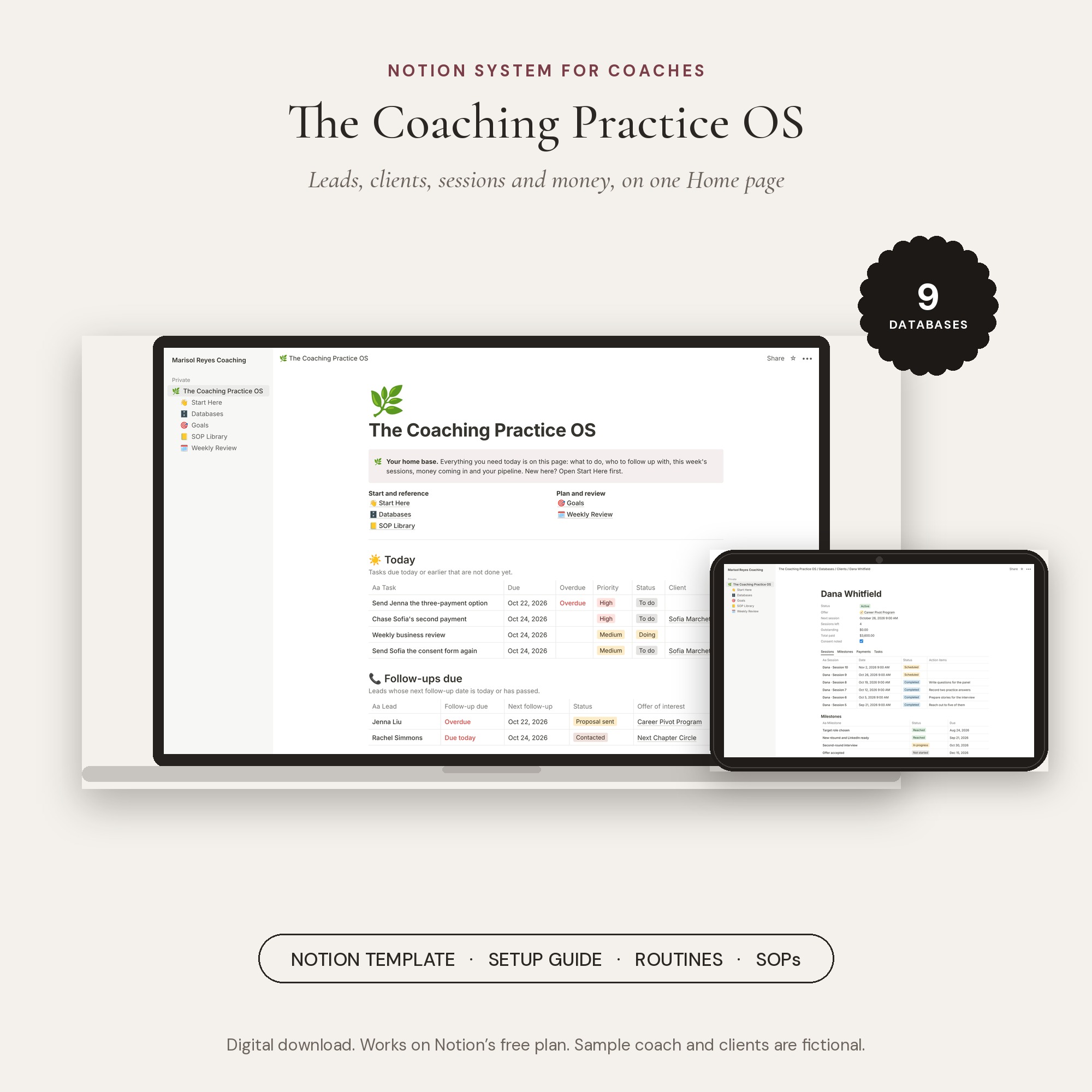
Nine linked databases hold your offers, leads, clients, sessions, milestones, payments, group programs, tasks and projects. The Home page pulls out:
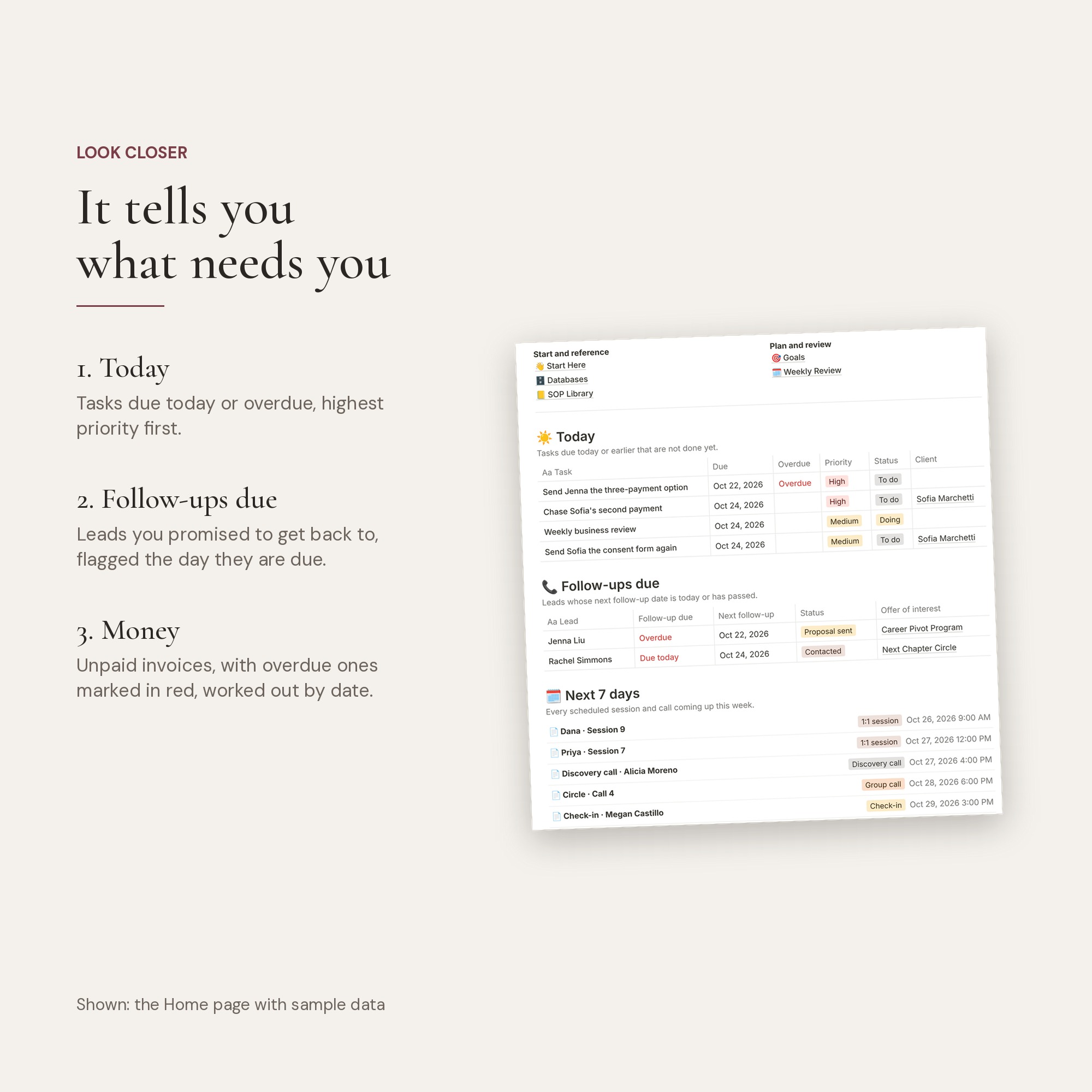
- Today: tasks due today or overdue, highest priority first
- Follow-ups due: every lead you promised to get back to, on the day it is due
- Next 7 days: every session and call coming up
- Money: unpaid invoices, with overdue ones flagged automatically
- Pipeline: every lead on a board, from first contact to yes
- Active clients: next session, sessions left and money owed, for each person
What works itself out
You type in what happened. The system does the counting.
- Sessions left on every package, from the offer and the sessions you mark complete
- Each client’s next session
- Payment status: Due, Overdue or Paid, from the dates
- Total paid and outstanding on every client
- Seats filled in each group cohort
- Progress on every project, from its tasks
Before and after
From ten tabs to one morning check.
Open Home with your coffee. In five minutes you know who to follow up with, who you are seeing this week and who still owes you money.
How it works
Set up in an afternoon, then five minutes a day.
Duplicate it
Click the link in your download, then Duplicate. It is in your Notion in about a minute.
Set it up in 30 minutes
Clear the sample data, add your offers, current clients, open invoices and leads.
Open Home every morning
Five minutes a day and a 30-minute review each week keep everything current.
What is included
Everything in your download.
The Notion system
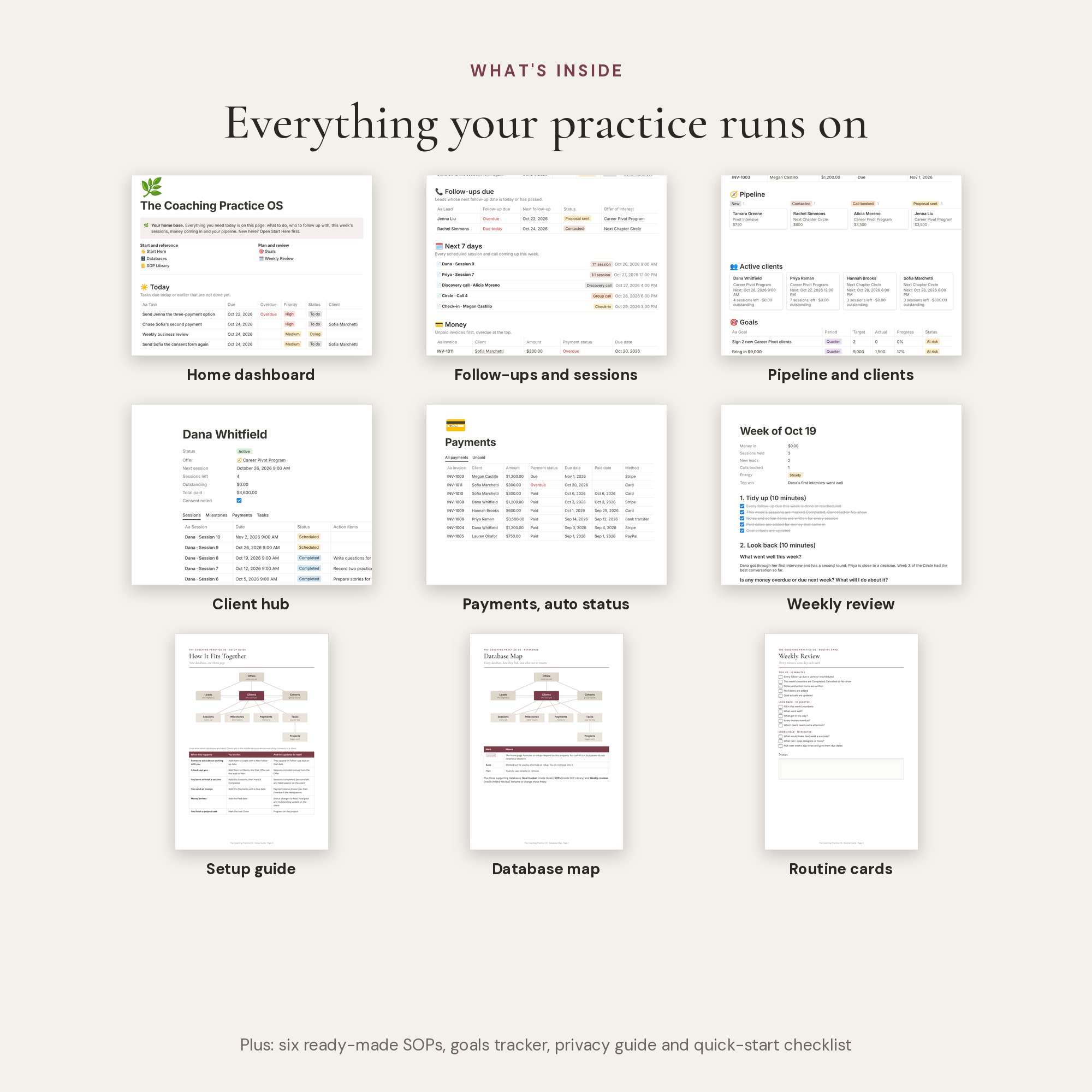
Nine linked databases, a Home dashboard, a client page that shows sessions, milestones, payments and tasks together, Goals, a Weekly Review and an SOP Library with six ready-to-edit SOPs.
Sample data
A fictional coach’s full practice, so you can see how everything connects before you add your own.
Setup Guide
Step by step, from duplicating to daily use.
Quick-Start Checklist
The 30-minute setup on one page.
Database Map
Every database and property, with the ones not to rename marked.
Routine Cards
Daily, weekly and monthly routines to print.
Privacy Guide
How to store client information carefully, with consent wording to adapt.
Works on the free plan
No paid Notion plan and no monthly fee.
Formats
Use it the way you work.
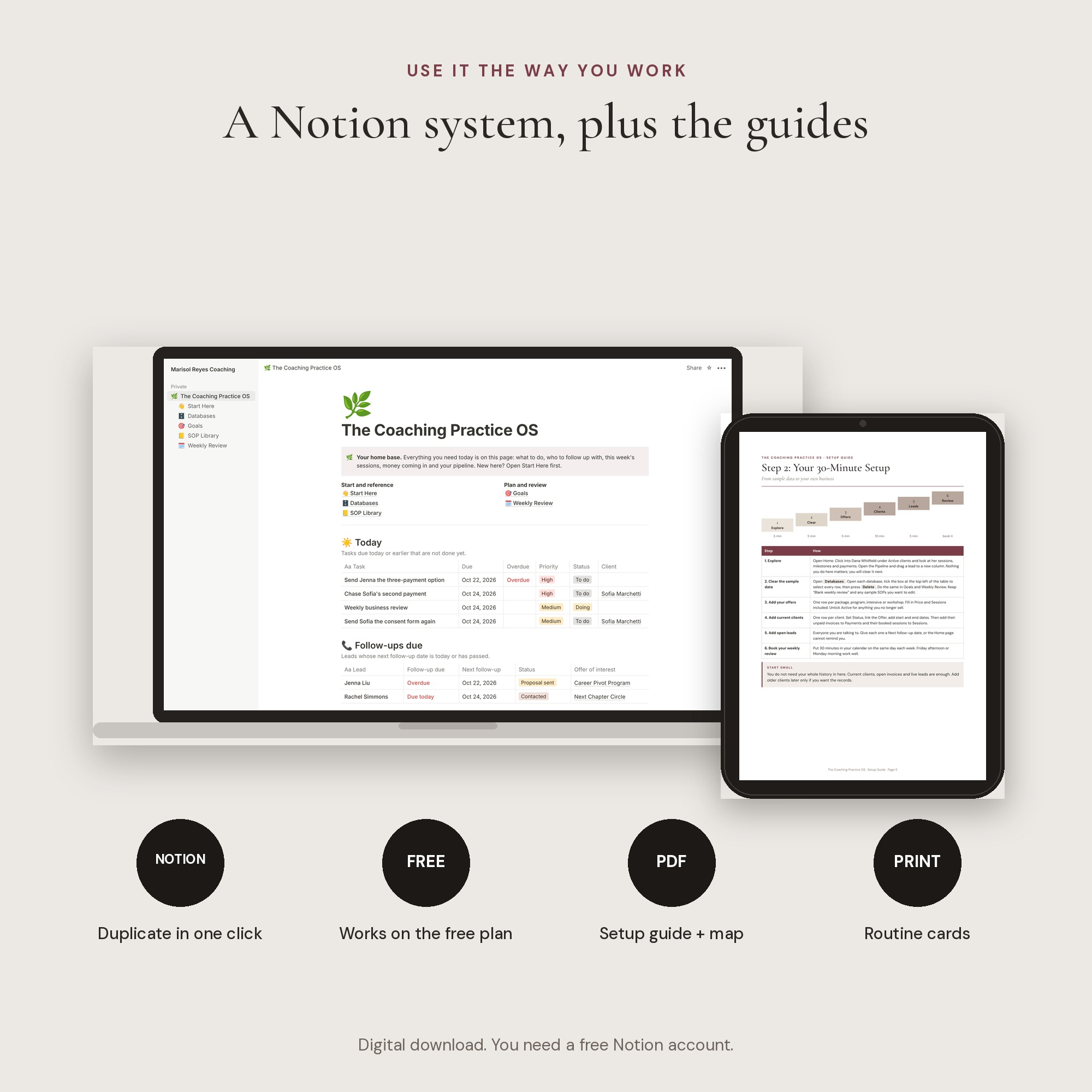
- Notion template: duplicate it into your own free Notion account.
- PDF guides: Setup Guide, Quick-Start Checklist, Database Map, Routine Cards and Privacy Guide.
It is for you if
- You coach one-to-one, run group programs, or both
- You have more than a handful of clients and leads to keep track of
- You already use Notion, or are happy to learn the basics
- You want a system you set up once, not a tool with another monthly fee
It is not for you if
- You need automatic booking, invoicing or payments. This works alongside those tools; it does not replace them
- You want a client portal for clients to log in to
- You need accounting or tax records
Made by The AUBI Studio
Hi, I’m Syeda Aliya, founder of The AUBI Studio, a brand identity and website studio that works only with coaches. Before The AUBI, I spent years working behind the scenes with design agencies on client brands and websites.
I built these systems for the parts of a coaching business that sit around the coaching itself, so they are practical, honest about what they can and cannot do, and ready to use.
Questions
Before you buy.
Do I need a paid Notion plan?
No. Everything works on Notion’s free plan.
I have never used Notion. Will I manage?
Yes, if you can use a spreadsheet. The Setup Guide walks you through every click, and the sample data shows you how it all fits together.
Does it connect to my calendar or payment tool?
Not automatically. You add sessions and payments yourself, which takes a few seconds each. That keeps it simple and free to run.
Can my assistant use it?
Yes. Share the system with them, not your whole workspace.
Can I change it?
Yes. Add properties, change colours, rename anything that is not marked System in the Database Map.
Is my client information safe?
It sits in your own Notion account, private to you. The Privacy Guide shows you how to keep it that way.
What if it is not right for me?
Please look through the contents list before you buy. Because this is a digital product you receive straight away, all sales are final and we do not offer refunds. If a link does not work or a file will not open, email hello@theaubi.com and we will fix it.
The Coaching Practice OS
Know what needs you, every morning.
One-time payment · Instant download · One license per coaching business · Sample data shows a fictional coach